Planner or phone calendar: which should you use?
Snappy Do has its own Planner, and it can also add a reviewed event to your phone calendar. Here’s what each one does, so you can choose one or both.
Planner: your plan inside Snappy Do
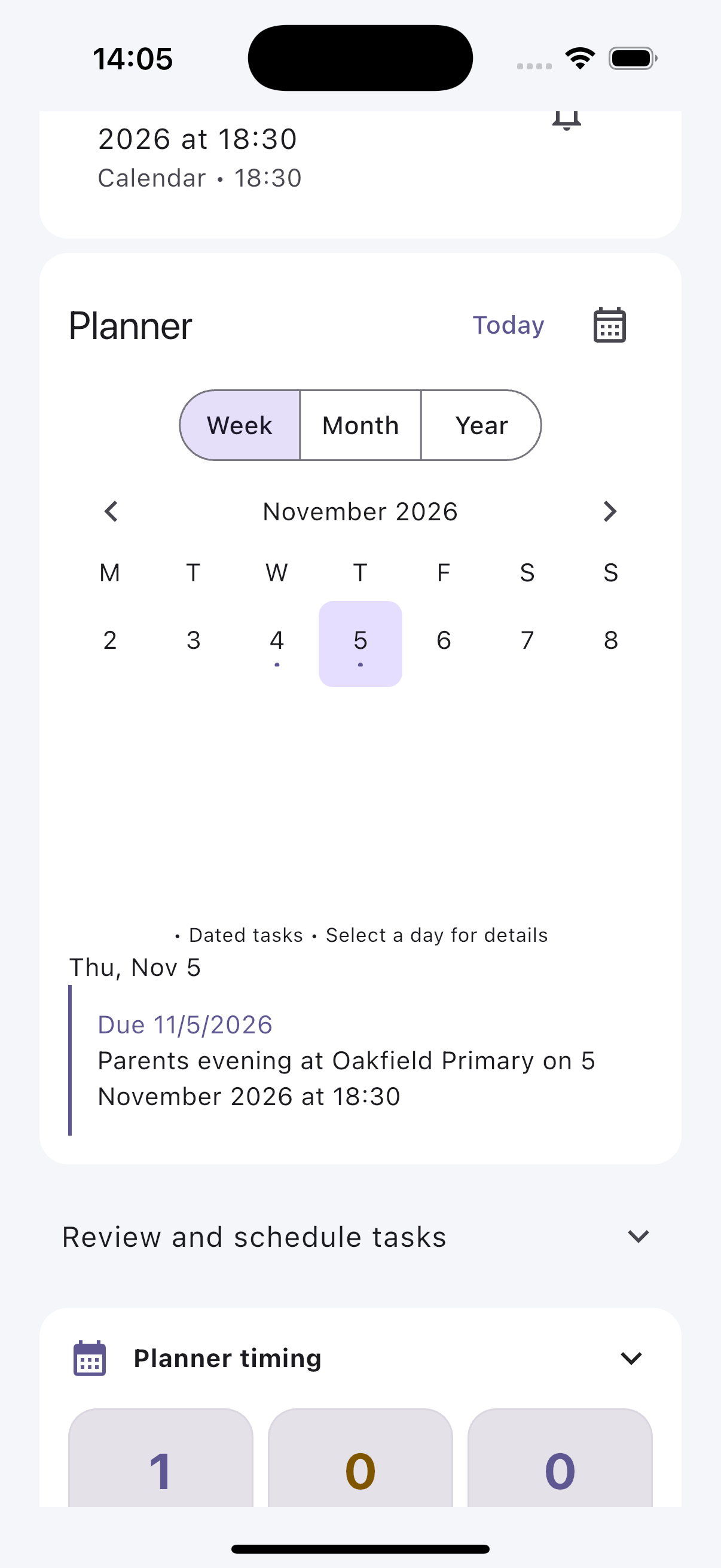
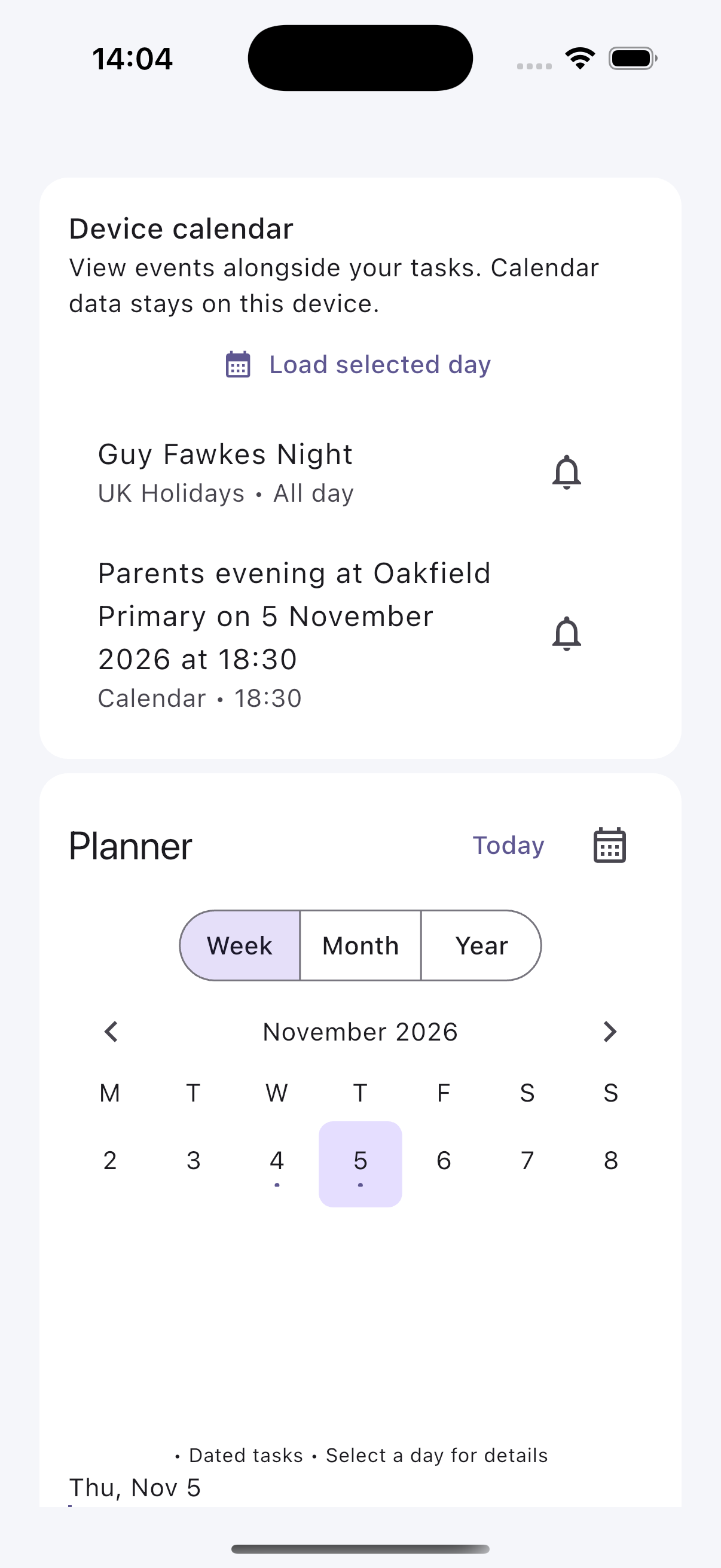
Planner shows your dated and repeating tasks in Week, Month and Year views. It can also show events from your phone calendar alongside your tasks, so you can spot clashes. Calendar days you load are kept in the app so they appear again.


Phone calendar: an event in your calendar app
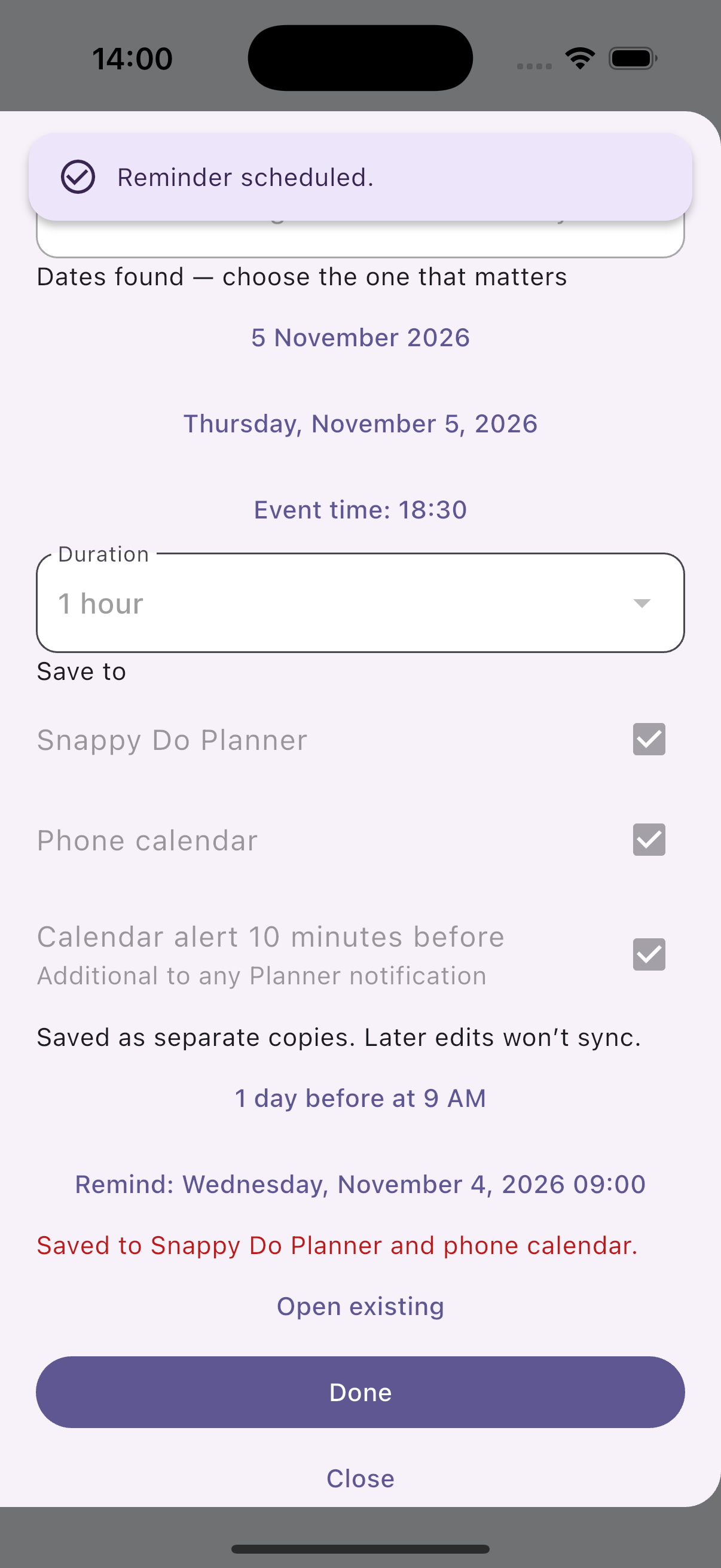
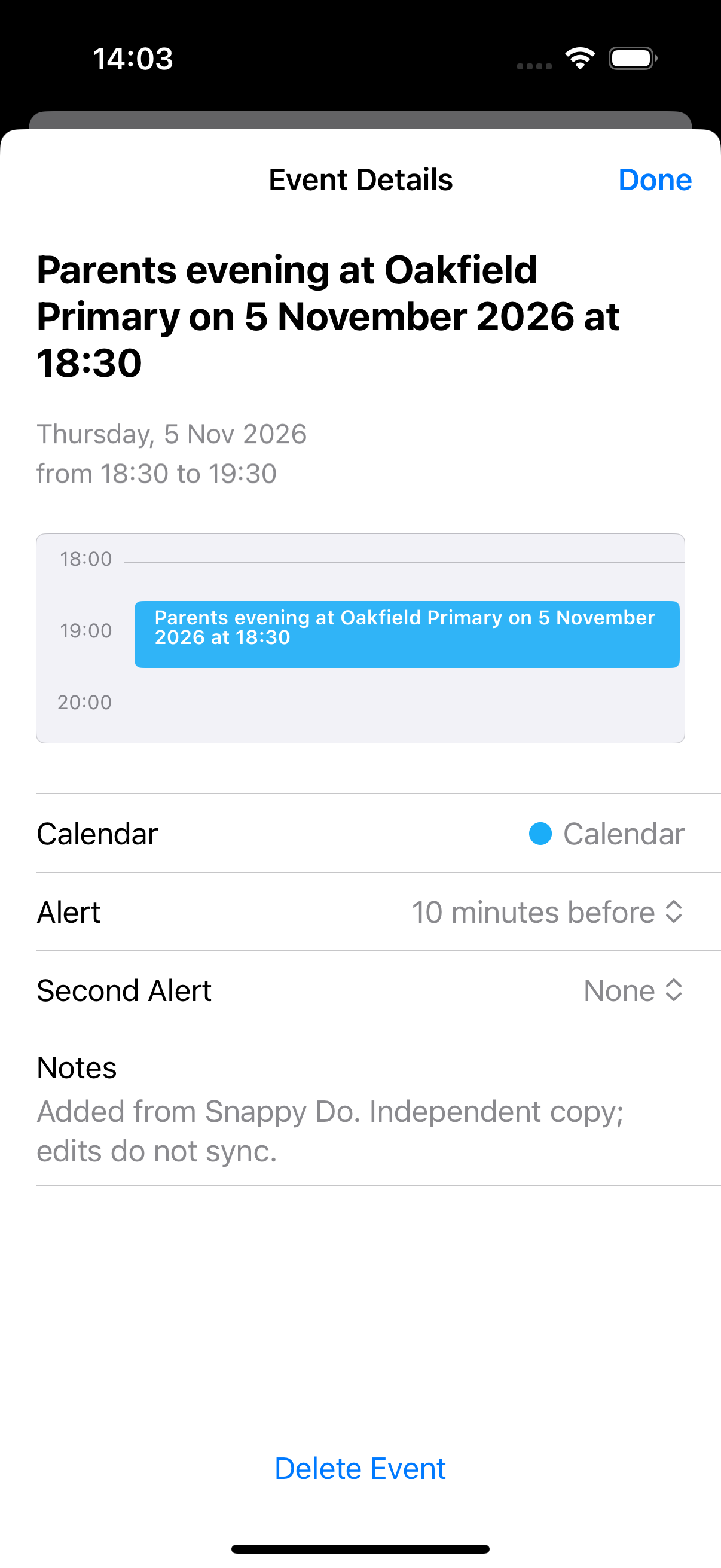
TickPhone calendarwhen you save a reviewed date, and Snappy Do adds a new event to your calendar, with an optional alert 10 minutes before. It then appears in your calendar app like any other event.


Side by side
| Snappy Do Planner | Phone calendar | |
|---|---|---|
| Where it’s kept | In Snappy Do, on your device. | In your phone’s calendar, and any account it syncs with, such as iCloud or Google. |
| How it’s saved | Planner is ticked when you review a date and tap Save. | Tick Phone calendar before you tap Save. Included in Snappy Do It 1.0.9, available on the App Store and Google Play. |
| Permission | None needed to save to Planner. | Your phone asks for calendar permission the first time. |
| Later changes | Edit it in Snappy Do. | Edit it in your calendar app. The two copies don’t sync. |
| Snappy Do backup | Included with your other Snappy Do data. | Not included. It lives in your calendar. |
Good to know
- Existing calendar events are never changed.
- If your calendar belongs to an account such as iCloud or Google, that provider may sync the new event to your other devices under its own terms.
- Planner tasks and phone calendar events are kept in different places, so deleting the app doesn’t remove events you saved to your phone calendar.
Questions
Can I save to both?
Yes. Leave Planner ticked, tick Phone calendar too, and tap Save. You get two separate copies.
If I delete the event in my calendar, does Planner change?
No. The copies are separate, so deleting or editing one doesn’t change the other.

Get Snappy Do It
£7.99 UK launch price, paid once through your app store. No subscription for the included local tools, and no app account.