Reuse information without retyping
One school letter can hold a task, a date and a cost. Instead of typing each one again, reuse saved items as copies in the modes you need. Each copy is yours to edit, and the original stays as it was.
Reuse saved items as copies
Select one or more saved items and choose Use selected in to reuse them in one mode, several, or all six. Each destination gets its own copy, so editing one doesn’t change the others. Use in another mode does the same for the text currently in the box.
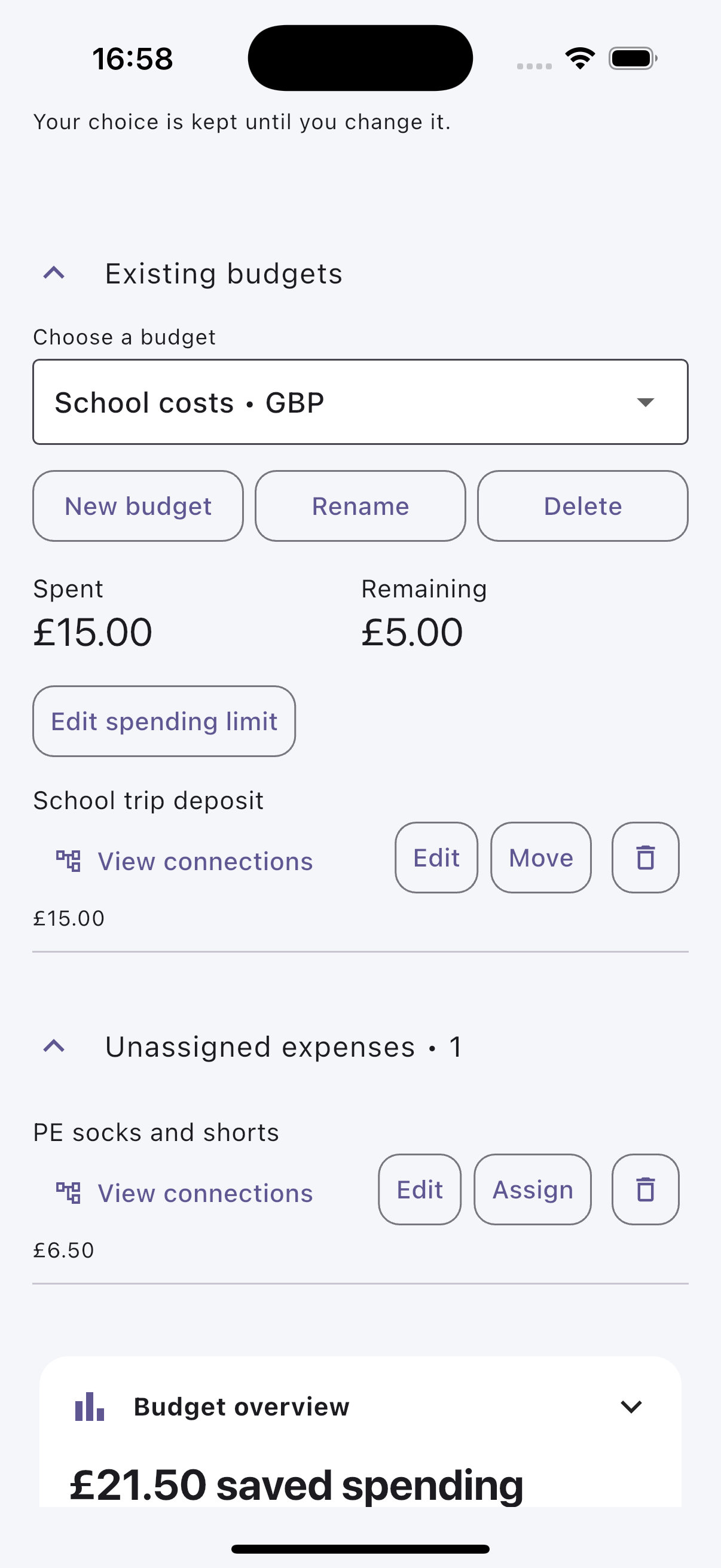
For example, reuse a task from Checklist in Budget and type in its cost there. The Checklist original stays exactly as it was.

Copies on purpose only
If an item is already in that mode, or looks like a duplicate, Snappy Do asks first. Choose Open existing, Create another copy or Cancel. Nothing is merged.

Follow it back to the source
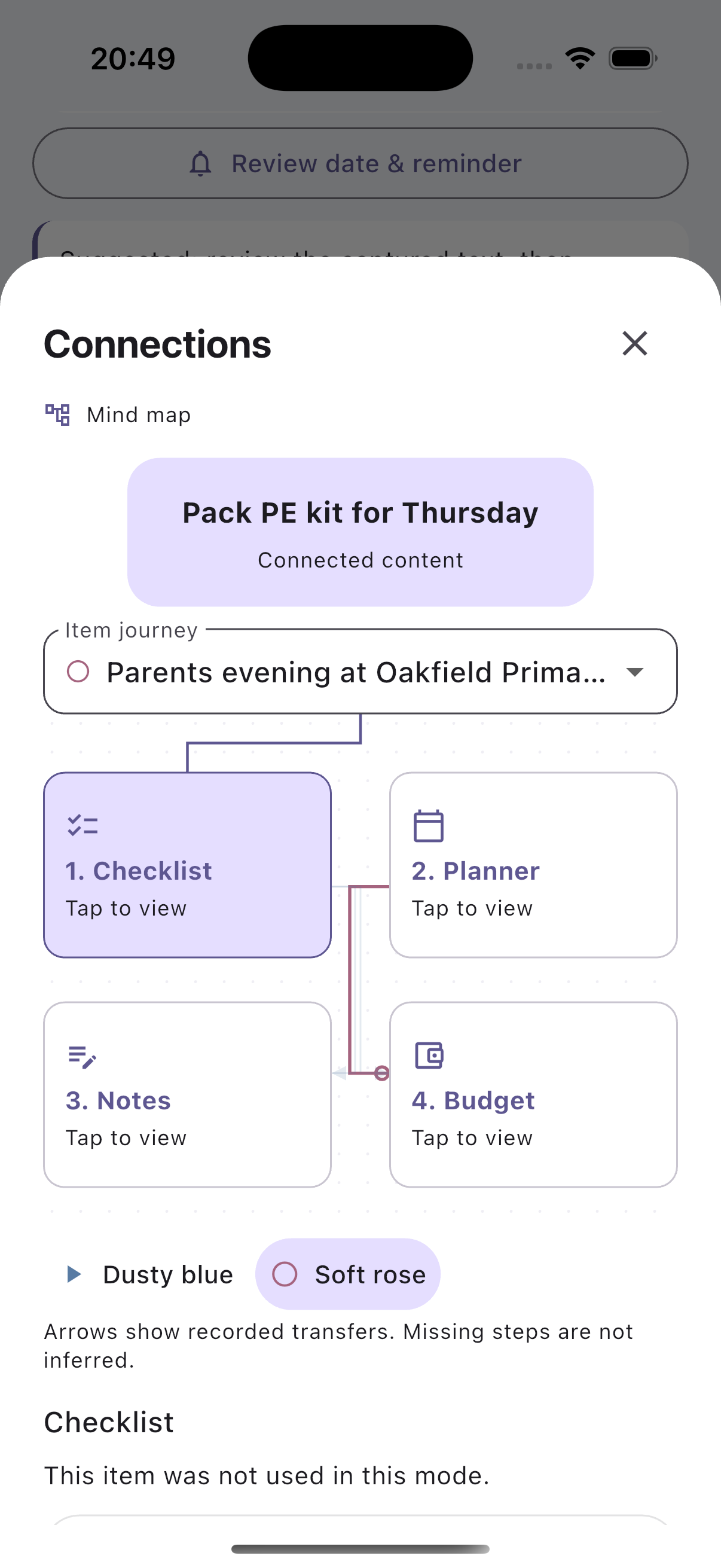
Every reused copy shows where it came from. Open original shows the text it was reused from, and View connections opens a Mind map of the modes an item was reused in.


Good to know
- Copies don’t update each other. Change the one you need.
- Arrows on the Mind map show recorded transfers only. Missing steps are not guessed.
- Share is different: it sends text to other apps through your phone’s share menu.
Questions
Does editing a copy change the original?
No. Each copy is independent, and Open original always shows the text it came from.
What if I reuse something twice by mistake?
Snappy Do asks before making another copy. Choose Open existing to use the one you have, or Cancel.

Get Snappy Do It
£7.99 UK launch price, paid once through your app store. No subscription for the included local tools, and no app account.