Organise notes for studying
Photograph a page of notes, record a short explanation or paste what you typed in class. Keep the text in Notes exactly as captured, then turn it into study cards that come only from your own source.
Keep your notes as captured
Notes saves captured, typed or transcribed text. Mark a note reviewed when you’ve checked it. Editing it reopens review. You can send a note to other modes and see where it went.
Recordings are transcribed on your device: iPhone and iPad use Apple’s recognition where your language is supported, and Android uses an optional speech pack of about 103.6 MB, downloaded once.
Make study cards from your source
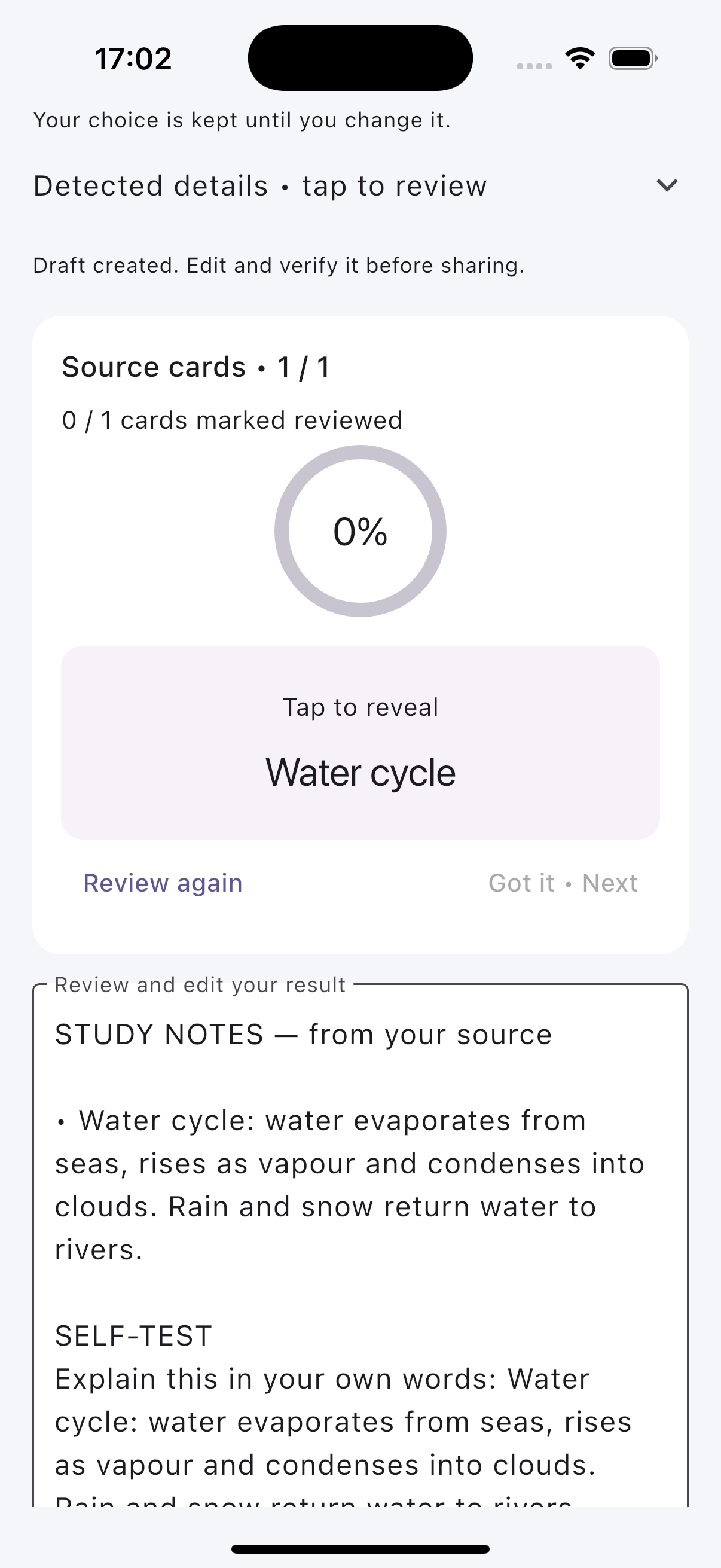
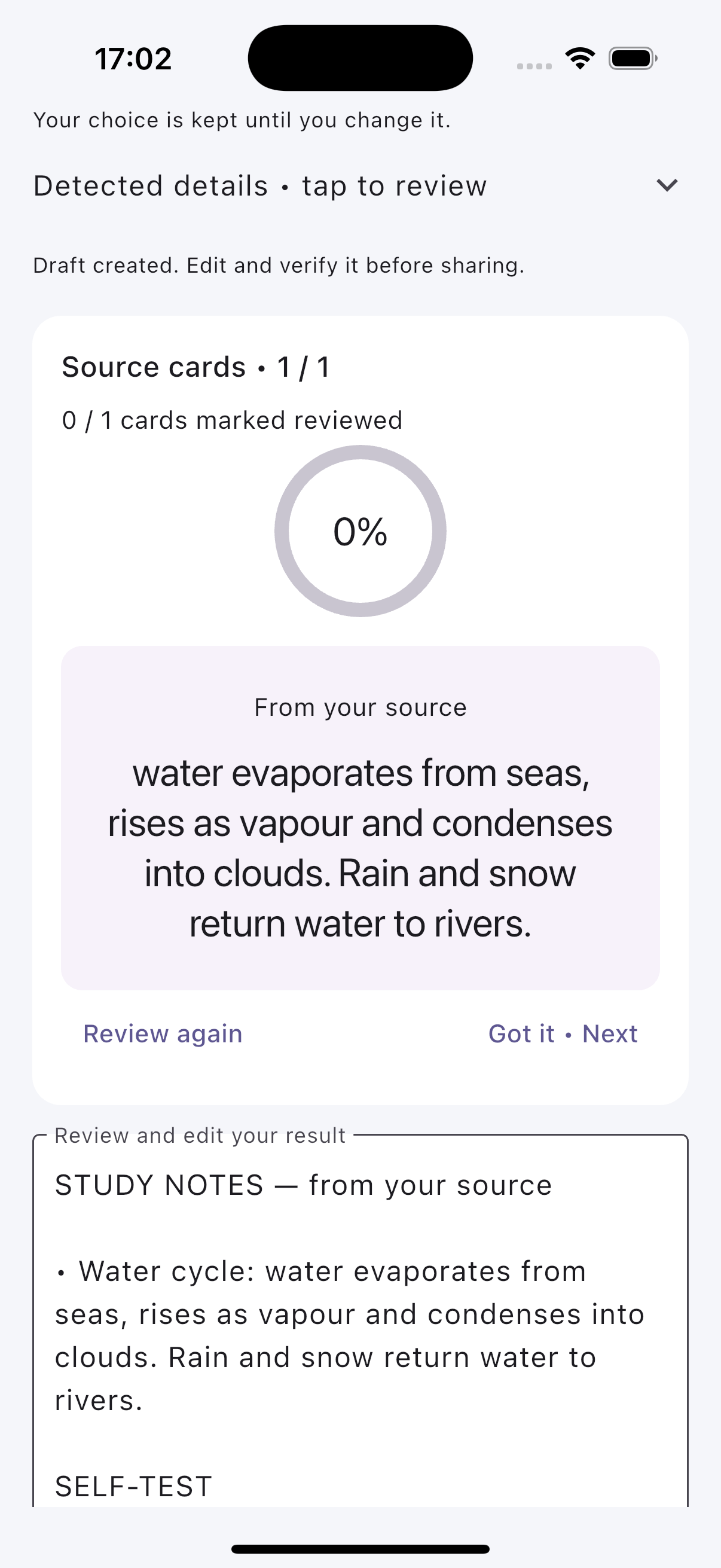
In Study, your source becomes cards. Tap a card to reveal the answer, then mark it reviewed to see your progress. Cards come from your own text, and Snappy Do doesn’t add facts that aren’t there.


Use another AI tool, on your terms
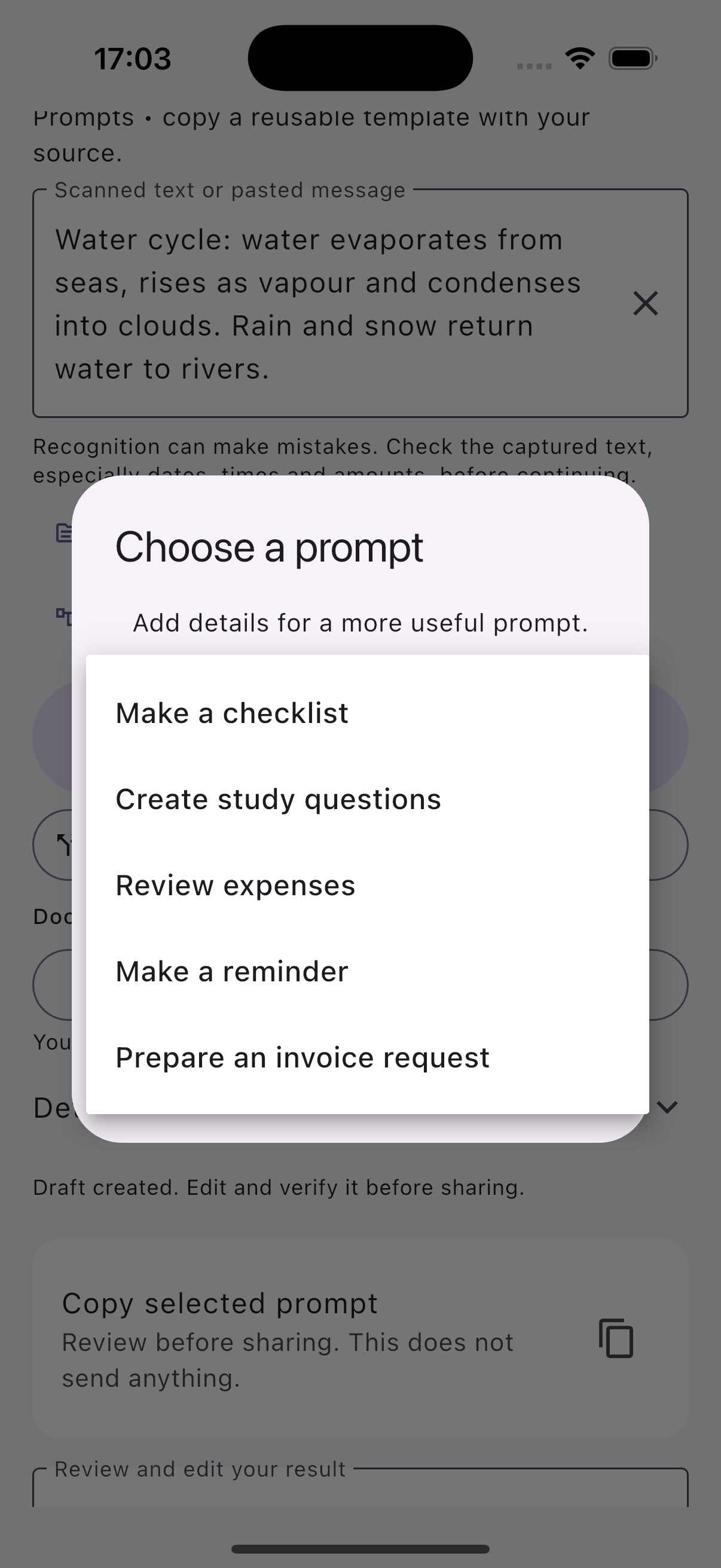
If you want practice questions from an AI tool you already use, choose Create study questions in Prompts. Snappy Do prepares a request you can edit and copy yourself. It doesn’t contact an AI service or send your text.

Good to know
- Review counts show the cards you have looked at, not a test score.
- Study doesn’t use AI to write new questions or answers.
- If you paste a prepared prompt into another AI tool, that tool’s own terms and privacy policy apply.
Questions
Is Study an AI tutor?
No. Cards come from the text you captured, and Snappy Do doesn’t generate answers. Prompts can prepare a request for a separate AI tool, which you copy yourself.
Can I share notes with a classmate?
Yes. Share sends text through your phone’s share menu, for example to messages or email.

Get Snappy Do It
£7.99 UK launch price, paid once through your app store. No subscription for the included local tools, and no app account.